
Select an image
Pick a product image from your library or upload a new one.
Lighting presets and custom control
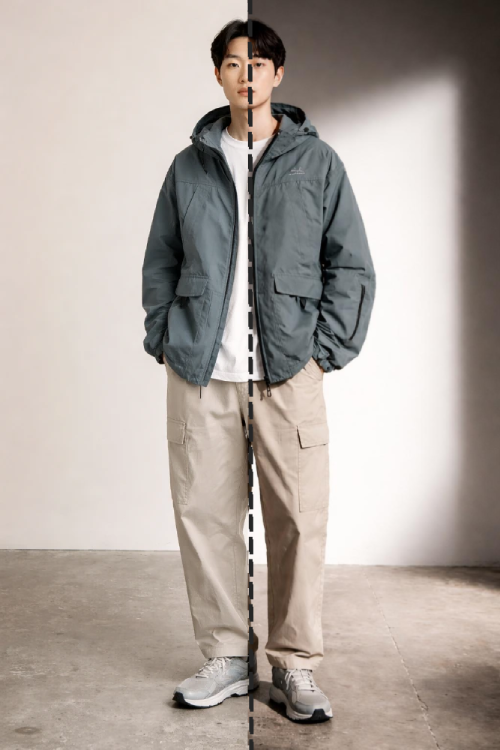
Apply professional lighting styles across your catalog while preserving product details, composition, and brand consistency.
Switch between studio, natural, warm, cool, and dramatic looks in one click.
Keep the same subject, angle, and background while only changing lighting style.
Apply the same lighting direction across many images for a consistent catalog look.
Go beyond presets with custom instructions for advanced art direction.
Apply professional lighting styles across your catalog while preserving product details, composition, and brand consistency.
Pick a product image from your library or upload a new one.
Use a preset or custom prompt to define the target lighting look.
Create relit outputs and continue editing in Attired or download results.
Start free and see the difference in minutes. Paid plans from $20/mo.
Get started free